DFlash on GTX 1060: Can Dense AI Models Cheat VRAM Like MoE?
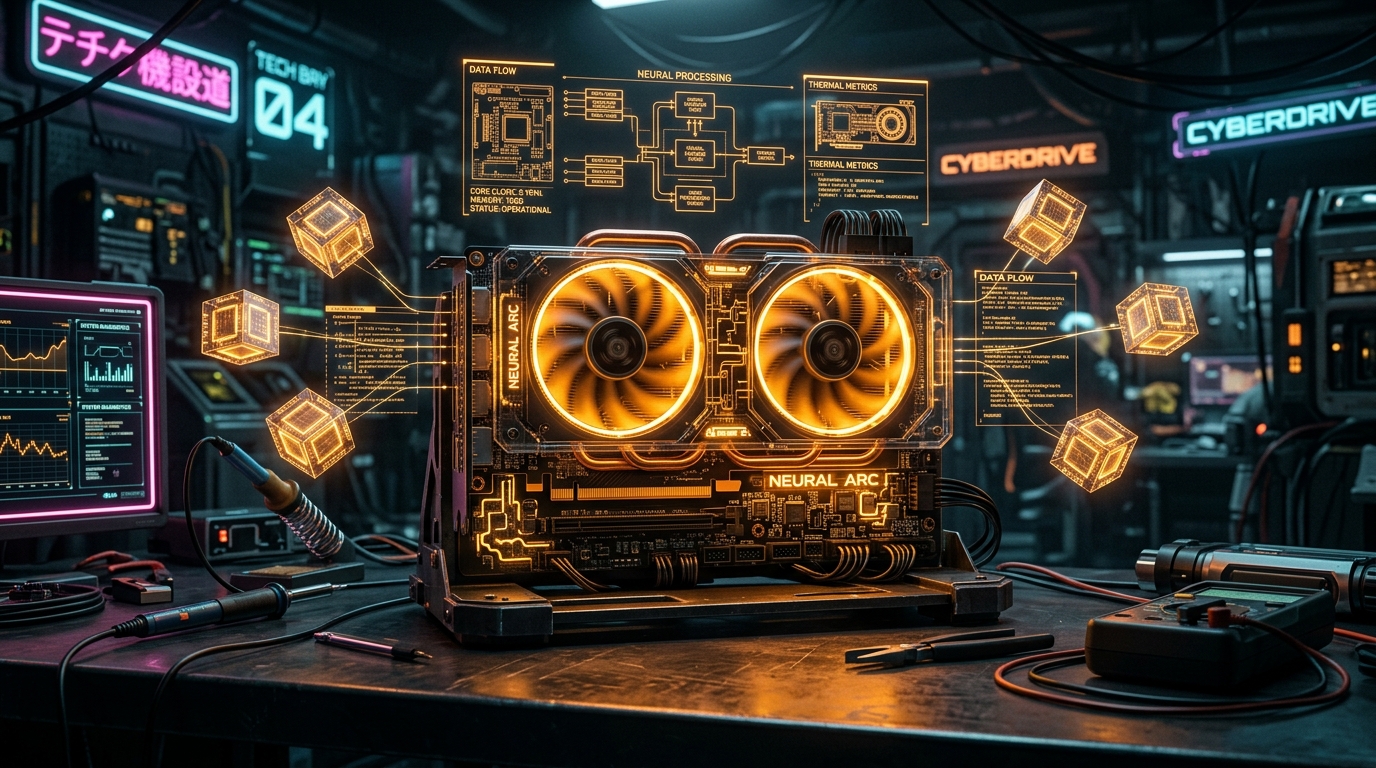
⚡ Quick Answer: Can Dense Models Run on 6GB VRAM?
Yes, but standard CPU RAM offloading collapses token generation from 40 t/s down to 2 t/s due to PCIe bus latency. In his viral testing, AI engineer Codacus explored whether cutting-edge techniques like DFlash, sparse activation pruning, and distributed RPC can make dense models run at interactive speeds on legendary budget hardware like the 6GB GTX 1060.
Watch Codacus's Video Investigation
Watch Codacus benchmark DFlash on the GTX 1060 to discover if dense models can truly cheat memory limits:
Subscribe to Codacus on YouTube for ground-breaking experiments on local AI performance.
The Dense vs. MoE Dilemma
In a Mixture-of-Experts (MoE) model like Mixtral 8x7B or DeepSeek V3, while the total parameter count is enormous (47B or 671B), each token only activates a subset of experts (e.g. 2 out of 8). This means you only compute a fraction of the weights per forward pass.
Dense models (such as Llama 3 8B, Qwen 2.5 14B, or Qwen 3.8 27B), however, require every single parameter to be calculated for every token. When memory fills up your 6GB or 12GB VRAM, the remaining layers overflow across the PCIe bus into system DDR4/DDR5 RAM, creating a catastrophic bandwidth cliff:
- GDDR5 / GDDR6 VRAM Bandwidth: ~192 GB/s to 1,000 GB/s
- System DDR4 / PCIe Bandwidth: ~25 GB/s to 40 GB/s (10x slower!)
What is DFlash & How Does It Work?
DFlash approaches dense models with a novel dynamic execution strategy. Instead of loading the entire dense tensor into active VRAM, DFlash streams activations and pre-fetches sequential transformer blocks right before execution, caching them in quantized scratchpads.
As Codacus demonstrated, while DFlash mitigates standard RAM stalls, truly practical inference on heavy models (like 27B+) requires distributed compute—splitting layers across physical machines.
Alternative: Splitting Heavy Models Across Mac & PC via llama.cpp RPC
In another groundbreaking tutorial, Codacus showed how to bypass VRAM limits entirely by chaining two consumer devices: an Apple Silicon Mac (unified memory) and an Nvidia PC (CUDA cores) over a high-speed local network.
How llama.cpp RPC Works:
- Worker Node (Mac or 2nd PC): Runs
rpc-serverlistening on a local port:./build/bin/rpc-server -p 50052 -H 0.0.0.0
- Master Node (Nvidia GPU PC): Executes
llama-cli, splitting 18 layers to local CUDA VRAM and offloading the remaining 30 layers over the network to the Mac's Metal unified memory:./build/bin/llama-cli -m models/qwen2.5-27b-q4_k_m.gguf --rpc 192.168.1.150:50052 --ngl 99 -p "Explain quantum computing in simple terms:"
This allows you to run massive 27B and 70B models at real-time reading speed without buying expensive $2,000 enterprise GPUs! To calculate exact layer offloads, context buffer sizes, and VRAM requirements for your specific GPU setup before splitting models, use our interactive LLM VRAM & Quantization Calculator.
Architect Private AI Workflows With Us
We engineer on-premise hardware architectures and bespoke AI agents for privacy-sensitive enterprises across India.
Schedule an Engineering Call →Special Mention & Channel Link
Huge credit to Codacus for these extraordinary technical benchmarks. If you care about local LLMs, hardware testing, and running AI models without cloud lock-in, make sure to visit and subscribe to his channel: Codacus on YouTube (@Codacus).