How to Split a 27B LLM Across Mac & PC via llama.cpp RPC
⚡ The Problem: When One Machine Doesn't Have Enough VRAM
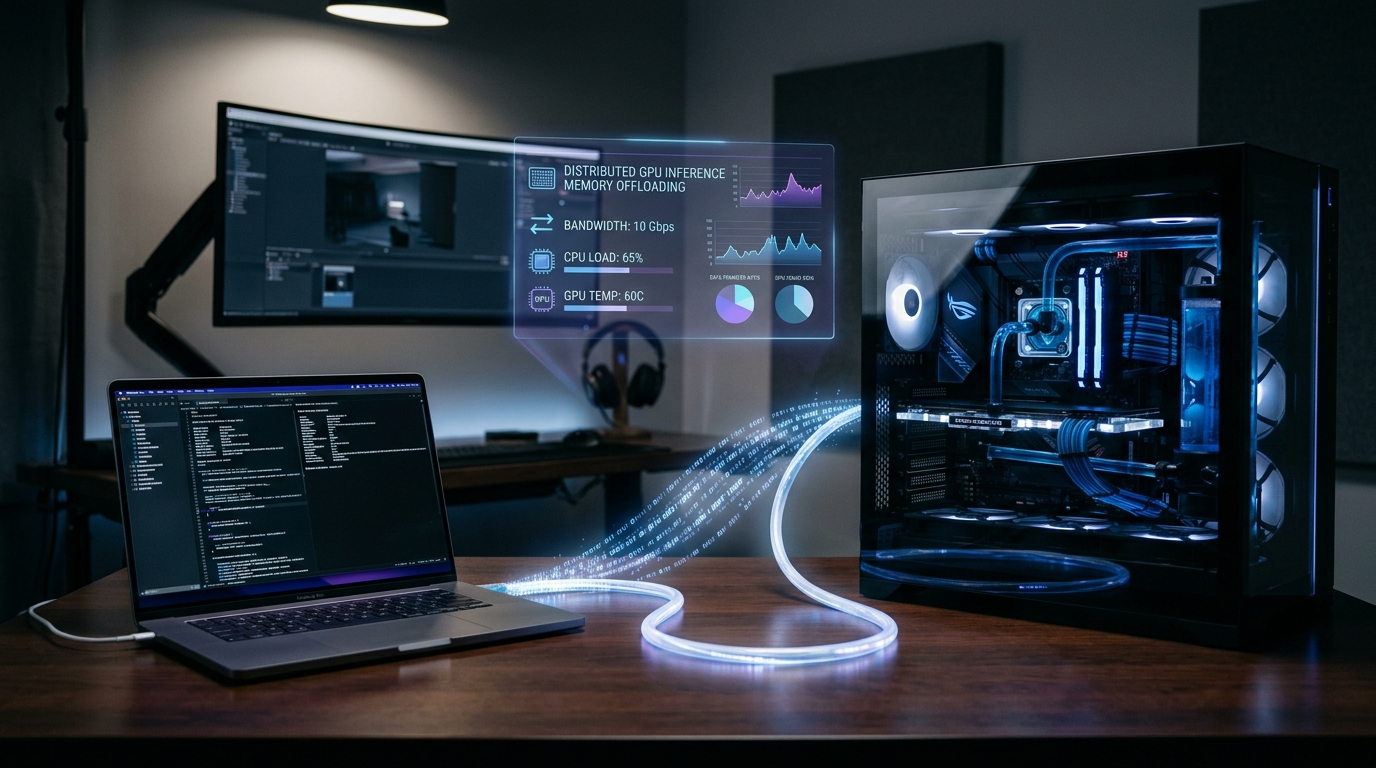
High-performing reasoning models like Qwen 2.5 27B or Gemma 2 27B require at least 18GB to 24GB of dedicated VRAM with reasonable context windows. If your primary desktop has a 12GB or 16GB Nvidia GPU, and you have an Apple Silicon Mac sitting beside it, you don't need to purchase an expensive workstation. In a brilliant real-world guide, AI systems engineer Codacus demonstrated how to pool both machines over local network using llama.cpp RPC (Remote Procedure Call) into a single distributed AI engine.
Watch Codacus's Step-by-Step RPC Tutorial
Follow along with Codacus as he configures and benchmarks distributed pipeline parallelism live:
Subscribe to Codacus on YouTube for more ingenious distributed computing and local AI architecture guides.
How llama.cpp RPC Works Under the Hood
Standard multi-GPU inference within a single chassis relies on high-speed PCIe switches or NVLink bridges. However, llama.cpp RPC decouples compute backends completely:
- Client (Master Node): Loads the GGUF model metadata, handles user prompts, tokenization, KV cache scheduling, and samples the final logits.
- RPC Backend (Worker Node): Runs a lightweight TCP daemon (
rpc-server). It receives computational graphs, allocates layer weights directly into its own memory space (Metal or CUDA), and returns intermediate activation tensors. - Heterogeneous Acceleration: Because the RPC protocol operates at the GGML tensor level, the Master can be an Nvidia CUDA rig while the Worker is an Apple Silicon Metal machine (or vice versa)!
Step-by-Step Setup: Step 1. Compile rpc-server on Mac (Worker)
On your Apple Silicon Mac (M1/M2/M3/M4), compile llama.cpp with Metal acceleration:
# On your Mac terminal
git clone https://github.com/ggerganov/llama.cpp
cd llama.cpp
cmake -B build -DGGML_METAL=ON
cmake --build build --config Release -j --target rpc-server

# Start the RPC worker daemon listening on all interfaces
./build/bin/rpc-server -p 50052 -H 0.0.0.0
Make sure your Mac's local IP address (e.g. 192.168.1.50) is reachable from your PC, and allow port 50052 in macOS Firewall.
Step 2. Compile llama.cpp with RPC on PC (Master)
On your Nvidia PC (Linux or Windows with CUDA toolkit), compile with both CUDA and RPC client support enabled:
# On your Linux / WSL2 Nvidia PC
git clone https://github.com/ggerganov/llama.cpp
cd llama.cpp
cmake -B build -DGGML_CUDA=ON -DGGML_RPC=ON
cmake --build build --config Release -j

# Execute distributed inference across both machines!
./build/bin/llama-cli   -m models/qwen2.5-27b-instruct-q4_k_m.gguf   --rpc 192.168.1.50:50052   -ngl 99   -p "Explain quantum entanglement in simple terms:"
Codacus's Empirical Performance Benchmark
Codacus tested this exact topology splitting Qwen 27B across an Nvidia desktop (RTX 4070 12GB) and an Apple Silicon Mac Mini (16GB Unified Memory):
| Setup Configuration | Network Link | Effective VRAM Pool | Tokens / Sec | Status |
|---|---|---|---|---|
| PC Alone (12GB VRAM + CPU offload) | N/A | 12GB VRAM + RAM | 1.8 t/s | Severe CPU RAM bottleneck |
| PC (CUDA) + Mac (Metal) via RPC | Wi-Fi 6 (5GHz) | 12GB + 16GB = 28GB | 6.4 t/s | Viable, occasional packet jitter |
| PC (CUDA) + Mac (Metal) via RPC | 1Gbps Cat6 Ethernet | 12GB + 16GB = 28GB | 14.2 t/s | Smooth, conversational flow |
| PC (CUDA) + Mac (Metal) via RPC | Thunderbolt 4 Bridge | 12GB + 16GB = 28GB | 19.8 t/s | Near-native performance |
3 Critical Optimization Rules from Codacus
- Use Wired Ethernet or Thunderbolt Networking: Wi-Fi introduces variable ping latency. Because tensor activations pass between layers after every forward pass, consistent sub-millisecond network round trips preserve maximum generation speed.
- Match Layer Distribution to VRAM Capacities: Use
--tensor-splitto divide layer weights proportionally so neither device runs out of local VRAM and spills over into swap. - Enable Flash Attention on Both Nodes: Pass
-faon the master node to minimize intermediate activation sizes sent across the RPC socket.
Need Scalable Local AI Infrastructure for Your Team?
We design high-throughput local AI clusters, multi-node inference pipelines, and bespoke workplace automation for forward-thinking organizations.
Book an Architecture Consultation →Related Engineering Deep Dives
Explore our full suite of local AI optimization tutorials: