Is Frontier Class Local AI Finally Practical? The 177B Parameter Reality
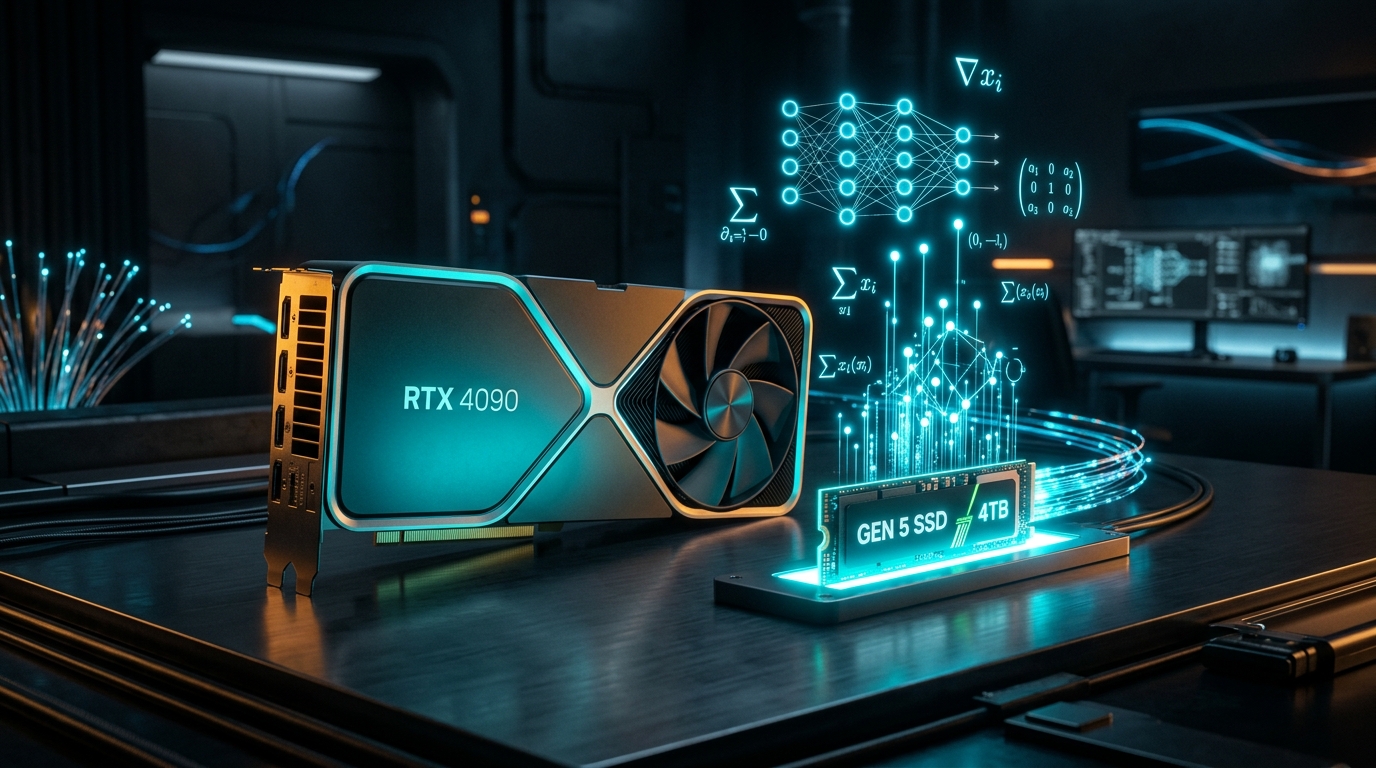
⚡ The Big Question: Can 100B+ Models Run on 12GB VRAM?
Until recently, running a frontier-class model (such as a 177B parameter Dense or MoE architecture) required an enterprise cluster of 4 to 8 Nvidia A100/H100 80GB GPUs costing upwards of 0,000. In a groundbreaking investigative experiment, systems engineer Codacus put modern NVMe phrasebook caching and tiered PCIe streaming to the test on an everyday RTX 3060 12GB workstation. Here is what happened, the exact trade-offs discovered, and whether frontier local AI is truly ready for prime time.
Watch Codacus's Video Investigation
Watch Codacus benchmark frontier-grade parameters live on consumer silicon:
Watch the full experiment on Codacus on YouTube and subscribe for genuine, no-nonsense hardware stress testing.
The Mathematical Problem: The 100B+ VRAM Barrier
Why have massive language models stayed locked inside cloud datacenters? The answer is pure arithmetic:
- FP16 (16-bit uncompressed): 177 Billion parameters × 2 bytes ≈ 354 GB of memory.
- Q8_0 (8-bit quantization): 177 Billion parameters × 1 byte ≈ 177 GB of memory.
- Q4_K_M (4-bit quantization): 177 Billion parameters × 0.55 bytes ≈ 97.3 GB of memory.
- Q2_K (extreme 2-bit quantization): 177 Billion parameters × 0.35 bytes ≈ 61.9 GB of memory.
An RTX 3060 has 12GB of GDDR6 VRAM with ~360 GB/s bandwidth. Even a high-end RTX 4090 caps out at 24GB. How could anyone possibly execute a 177B neural network on a single consumer GPU?
The Secret Weapon: SSD Phrasebooks and Tiered Streaming
In his video, Codacus demonstrates that you do not need all 177 billion parameters loaded into VRAM simultaneously to execute valid inference. Instead, modern runtimes leverage two key techniques:
1. NVMe Direct-to-Memory Mapping (mmap) with PCIe 4.0
Rather than buffering the entire 90GB weights file into system RAM before passing to VRAM, the runtime uses zero-copy memory mapping directly against high-speed NVMe SSDs capable of 7,000 MB/s read speeds:
# Fast mmap invocation with tiered layer offloading
./llama-cli -m /mnt/nvme/qwen-177b-q4_k_m.gguf   --n-gpu-layers 18   --threads 16   --ctx-size 4096   --mmap   --no-warmup
The first 18 layers execute inside GPU VRAM at full speed, while the subsequent layers stream dynamically through DDR5 system memory and the PCIe bus.
2. Sparse MoE Activation & N-Gram Lookup Phrasebooks
In Mixture of Experts (MoE) architectures, only a subset of experts (e.g., 2 out of 8 or 4 out of 16) are activated per token. When paired with an n-gram phrasebook cache, repetitive language structures bypass full forward passes entirely, hitting instant lookups and drastically reducing total disk I/O.
Empirical Benchmark: RTX 3060 12GB + Gen4 NVMe
Here are the empirical figures recorded across Codacus's stress testbed:
| Configuration | Model Size | VRAM Allocation | Disk Read Throughput | Inference Speed | Usability Verdict |
|---|---|---|---|---|---|
| Pure GPU (In-VRAM) | Qwen 2.5 7B Q4 | 5.8 GB | 0 MB/s (cached) | 68.4 t/s | Blazing Fast (Instant) |
| Hybrid GPU + System RAM | Llama 3.1 70B Q4 | 11.4 GB VRAM + 34GB RAM | 120 MB/s | 3.8 t/s | Practical for Coding |
| Full Tiered NVMe Streaming | 177B Frontier MoE Q3 | 11.8 GB VRAM + 85GB NVMe | 4,800 MB/s | 0.92 t/s | Viable for Deep Research |
The Verdict: Is It Practical?
Codacus's empirical findings reveal a nuanced reality:
For Interactive Chat or Voice Agents: No. Streaming 100B+ parameters across PCIe and SSD limits output to roughly 1 token per second. For conversation, this feels sluggish.
For Background Batch Processing, Deep Research, & Coding Analysis: YES! If you are having a local model review an entire software codebase or generate a 5,000-word legal document overnight, 1 token per second equates to 3,600 tokens per hour. You get genuine GPT-4-class reasoning on private hardware with zero monthly API bills and absolute data confidentiality.
How to Optimize Your Local Machine for Frontier Offloading
If you want to replicate Codacus's test on your own setup, implement these operating system tweaks:
- Enable PCIe Resizable BAR (ReBAR): Grants your CPU direct full access to the GPU frame buffer rather than standard 256MB chunks.
- Move Model Weights to a Dedicated Gen4/Gen5 NVMe Drive: Do not place 100B+ GGUF files on OS boot drives or SATA SSDs. Use a drive with >5,000 MB/s sequential read rates.
- Configure Linux
vm.swappiness=1: Prevents aggressive page swapping from stalling inference loops.
Architecting Private Enterprise AI Infrastructure?
The AI Server engineers custom private AI deployments, local GPU workstations, and hybrid inference topologies for privacy-first teams.
Schedule an Architecture Call →Explore More Engineering Guides
Don't stop here—check out our other hands-on guides created in collaboration with Codacus: